Task:
Add a manual DNS entry to the local workstation to bypass or override normal DNS.
Steps:
1. Open Notepad program as Administrator:
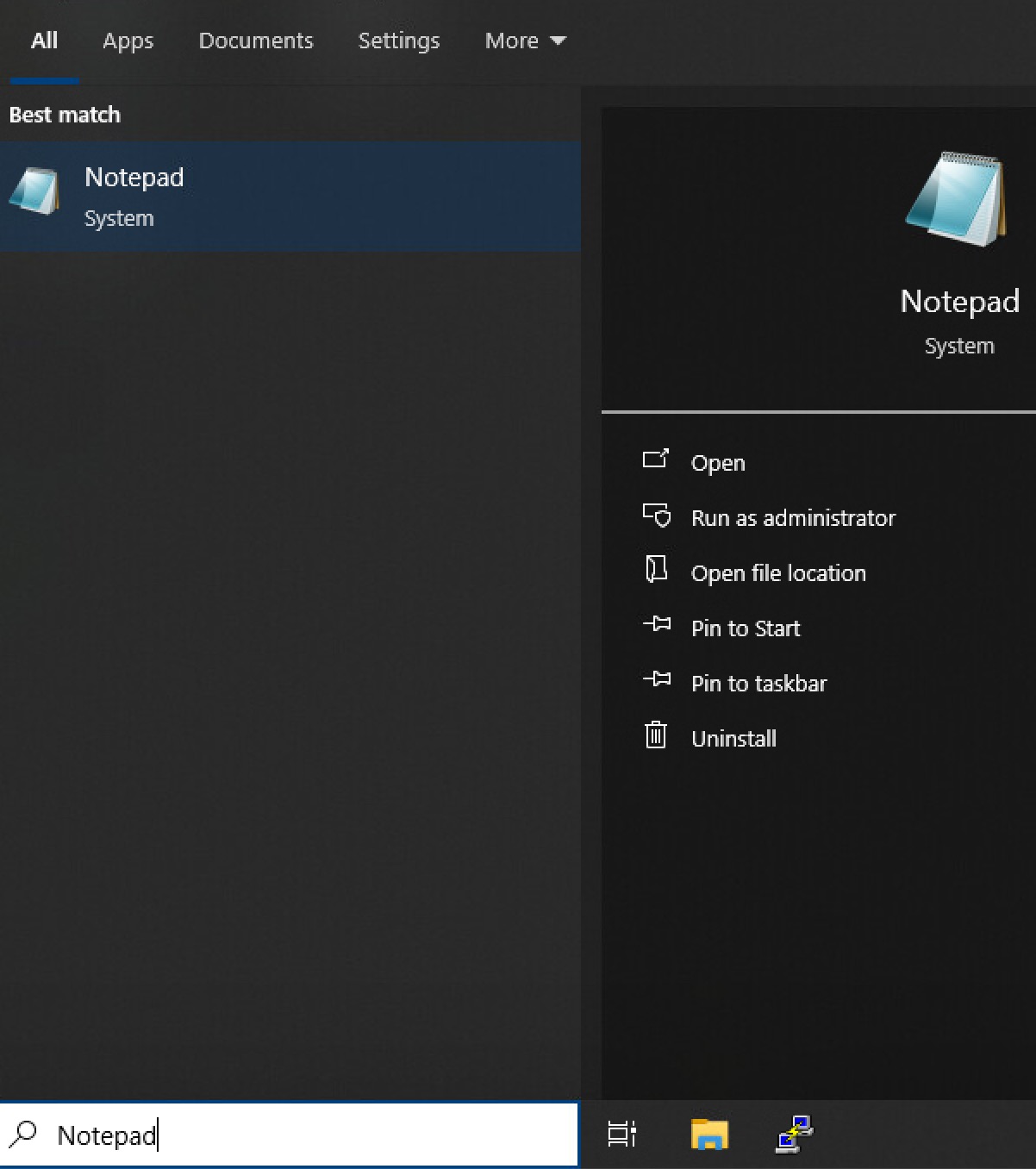
a. Start Notepad:
Search (bottom taskbar) --> Notepad (search field) --> Notepad (highlight but do not open) --> Run as Administrator (on right)
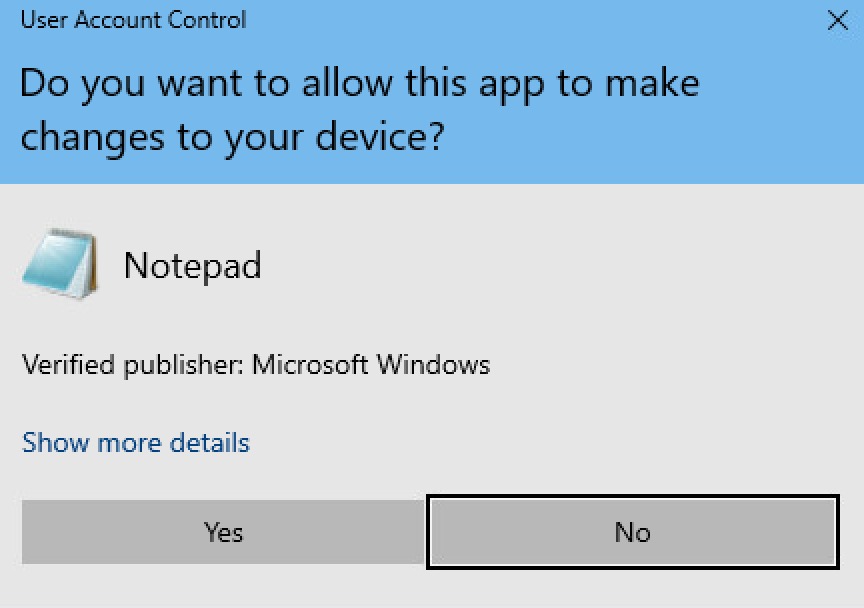
b. Approve Running as Administrator:
In the User Account Control dialog:
Do you want to allow this app to make changes to your device?
Notepad --> Yes (button)
2. Open and Edit hosts file:
a. File (top menu) --> Open (option) -->
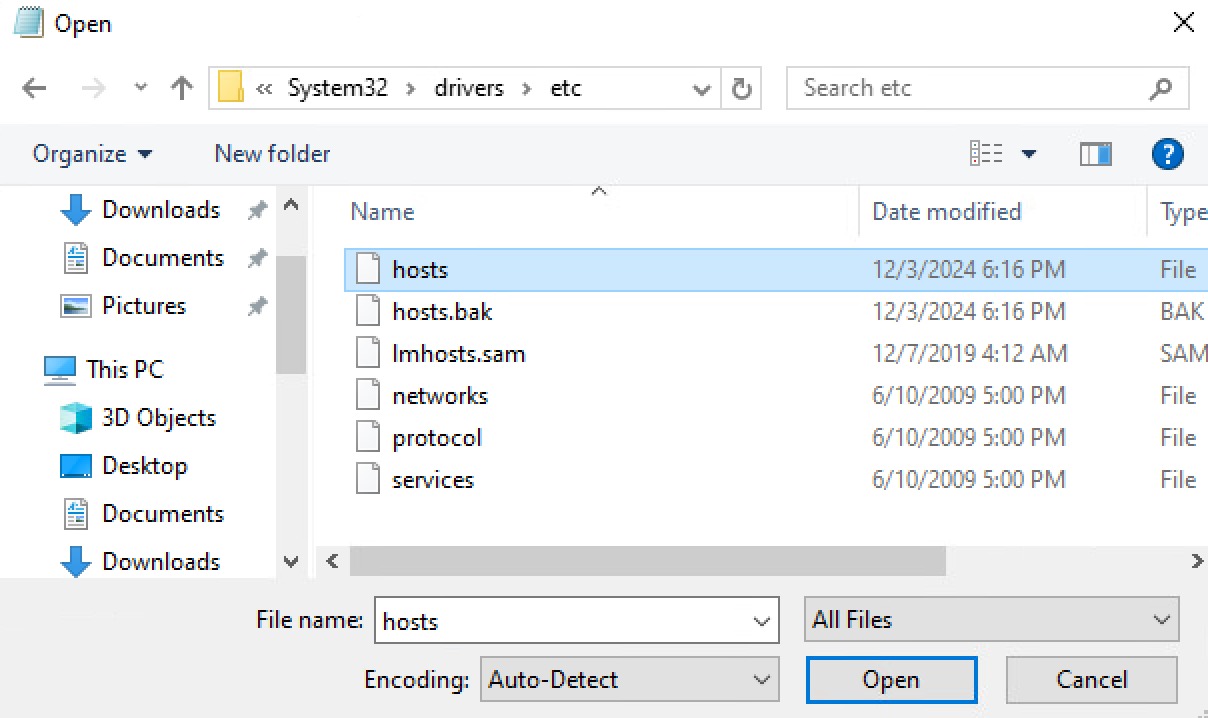
b. In the Open dialog:
- Navigate to:
C:\Windows\System32\drivers\etc
- Change *.Txt to All Files (lower right)
- Choose hosts --> Open
c. Add the new entry
- At the bottom of the file, add the entry desired.
example:
10.0.50.25 myinternalserver.mindwatering.net myinternalserver
d. Save
File (top menu) --> Save (option)
3. Optional - Verify in command prompt the Domain and IP is working from the hosts file
a. Open a terminal window:
Search (bottom taskbar) --> cmd (search field) --> Command Prompt (double click)
b. Ping the entry added above.
e.g.
> ping myinternalserver.mindwatering.net
previous page
|